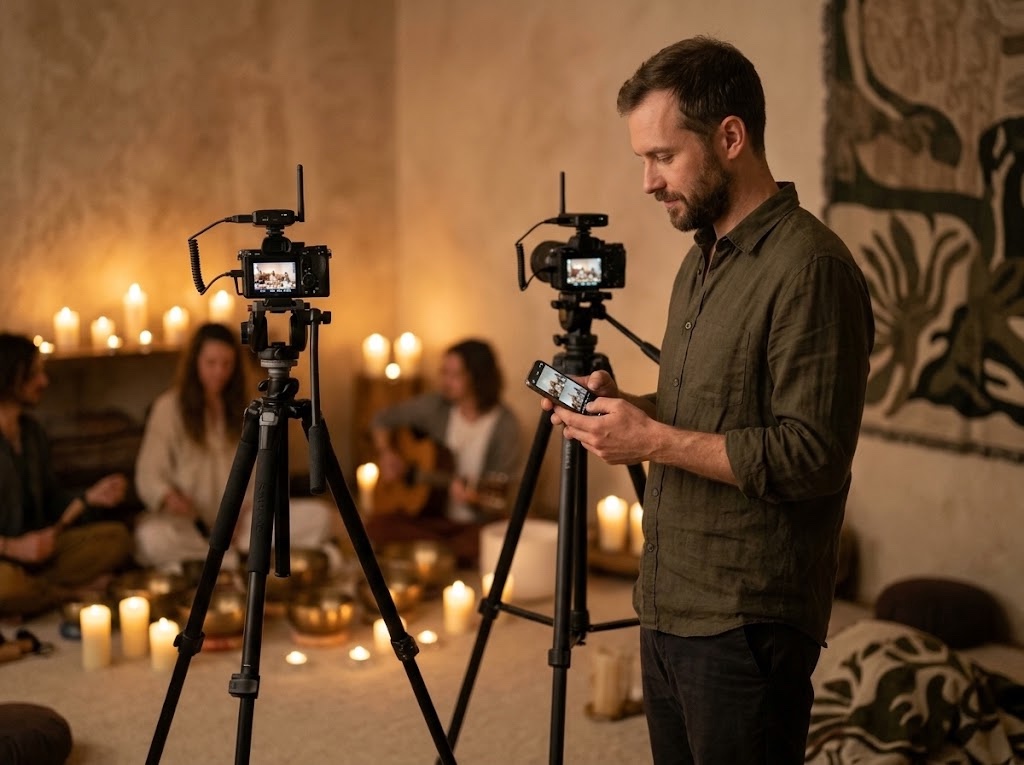
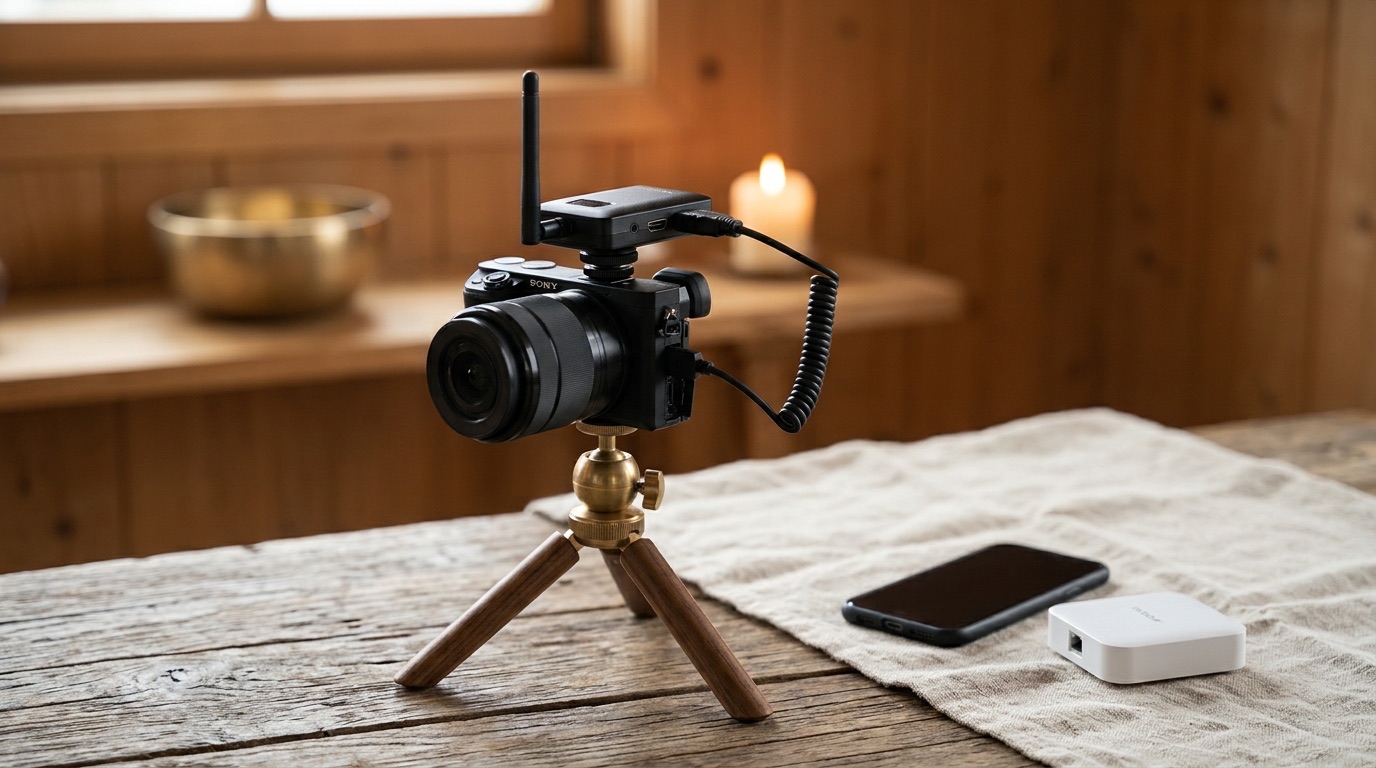
Three Sony cameras, one phone, one pair of hands. Each camera's picture on the phone, a key to jump between them, and a multiview that shows what is live and what is next.
In design. This page is the app before any of its code exists.

A gong bath, a concert, a talk on a boat: Marko often films alone or with a small crew, with three or more Sony cameras running and an Accsoon transmitter on each. The phone becomes the monitor and the remote for all of them.
The keys live in the black bands beside the 16:9 picture, never on it. A key is a word; its colour is its state.
The lens keys of Mantra Manual Camera become camera keys: CAM 1, CAM 2, CAM 3. One tap and you see and steer that camera.
Each piece is tried on the real cameras, then kept, changed or dropped, and written in the experiment log. Nothing is built ahead.
Same place, same logic as the L1 to L5 keys in Mantra Manual Camera. Under each key, in a whisper, the body it is. Green is the camera you are on. Grey is connected and waiting. Dark is a key with no camera behind it. A small red dot is the camera on air.
Try it: tap CAM1, CAM2, CAM3. Tap SONY to swap the picture source, REC to roll.
Sony direct: the camera's own Wi-Fi picture and every setting (ISO, shutter, iris, white balance, tap to focus, photo, record). Accsoon: the clean HDMI picture from the CineView on the camera, with the everyday keys (record, shutter, focus) over Bluetooth at the same time. A double tap in the middle of the picture opens SOURCES, as in Mantra Monitor.
A key the current source cannot honour stays where it is and turns dark. ISO is dark in Accsoon mode, and REC still works there over Bluetooth. Your thumb always finds each key in the same place.
Borrowed from OBS Studio, vMix and the ATEM switchers: the screen splits into four. Three quarters are the cameras, one quarter is what goes out. A red border and a red label mean live, on program. A green border means preview, the next shot waiting.
Try it: tap a camera to put it on preview, then CUT. In the two-camera switcher, CUT swaps preview and program.
Top right, as in OBS and ATEM, where the program is always on the right. The cameras read in order: CAM1 top left, then CAM2 and CAM3 along the bottom.
The camera on air carries a red outline, and the camera on preview a green one. The same red dot sits on its key in the rail, so the state is the same everywhere.
Two ways to try: preview, then CUT (a director's habit), or one tap straight to program (a solo shooter's). We keep the one that feels right in the hand.
Each camera's Direct Wi-Fi and each CineView Nano is its own little network, and a phone is on one network at a time. So the newer cameras join one shared network, the phone's hotspot or a small travel router, and the phone talks to all of them there. Bluetooth is a separate radio: every camera also gets its keys over it.
The pale Accsoons are not reached by this phone: a phone holds one Nano at a time. A Nano feeds up to four phones, so a second operator can watch any camera on their own phone.
The phone joins the camera's Direct Wi-Fi, or the Accsoon's. The simplest start, and the first experiment.
The phone's hotspot or a small travel router. The A7 IV and A7 V join it as for a computer's Remote Shoot; each gets its own address and sends its picture, so the multiview fills from the network. The a6600 cannot join: it comes in through its Accsoon and Bluetooth.
A Bluetooth link to every camera for the everyday keys. It keeps working when Wi-Fi is busy with pictures.
Sony's remote protocol, Camera Remote Command, covers both. The A7 V speaks its newer PTP 3 over a cable or the network. The a6600 speaks the older PTP 2, and only over a USB cable, so on its own it is steered by cable or by Bluetooth, and its picture comes through its Accsoon.
| Tier | Bodies | Over Wi-Fi | Over Bluetooth |
|---|---|---|---|
| Network | A7 V, A7 IV (and the newer A7C II, a6700, FX3) | on the shared network: picture, every setting, record, photo, tap to focus, several at once | record, shutter, focus, zoom |
| Cable | a6600 (and a6400, a6100) | Sony's protocol reaches it only by USB cable (PTP 2); over Wi-Fi only on its own network, one camera at a time; its picture through its Accsoon | record, shutter, focus |
| Picture | any camera with HDMI | the clean picture through its Accsoon, one Nano per phone | Sony bodies: record, shutter, focus |
An Accsoon CineView Nano on each camera, and for several cameras a small router that every camera and the phone join.

The camera's clean HDMI picture to the phone, 1080p60 on 5 GHz, about 60 ms, up to 150 m. One on each camera; up to four phones can watch one Nano.
On Amazon.de →The shared network for several cameras: pocket-sized, Wi-Fi 6 on 5 GHz, runs from a USB-C power bank. Every camera keeps a fixed address.
On Amazon.de →For the cable road: the a6600 over USB, a wired network, and power for the phone through the hub while it works.
On Amazon.de →From the camera to the Nano on its hot shoe: short, coiled, angled, nothing to snag. Micro HDMI suits the a6600 and a6700; the A7 bodies take a full-size HDMI cable.
On Amazon.de →The phone on a tripod or a cold shoe, turning freely, so the multiview stands beside you while you film.
On Amazon.de →Three cameras: three Nanos and three cables, one router and one phone. The phone holds one Nano at a time and the network cameras all at once.
Bodies that join the shared network with Sony's newer protocol, so the multiview fills from them directly. The A7 V is not yet on Amazon.de.
Full frame, 4K 60p. Remote control over a cable, its own Wi-Fi or the shared network, with live view: the full tier.
On Amazon.de →The a6600's successor, APS-C, 4K 120p. Unlike the a6600 it joins the shared network, so it is a full multiview camera.
On Amazon.de →The clean HDMI picture of any camera, the a6600 too, and the picture for a second operator's phone.
On Amazon.de →Prices on Amazon.de, October 2026. Check the price on more than one site before you buy.